
ADC-SG130
Alarm.com Smart Gateway
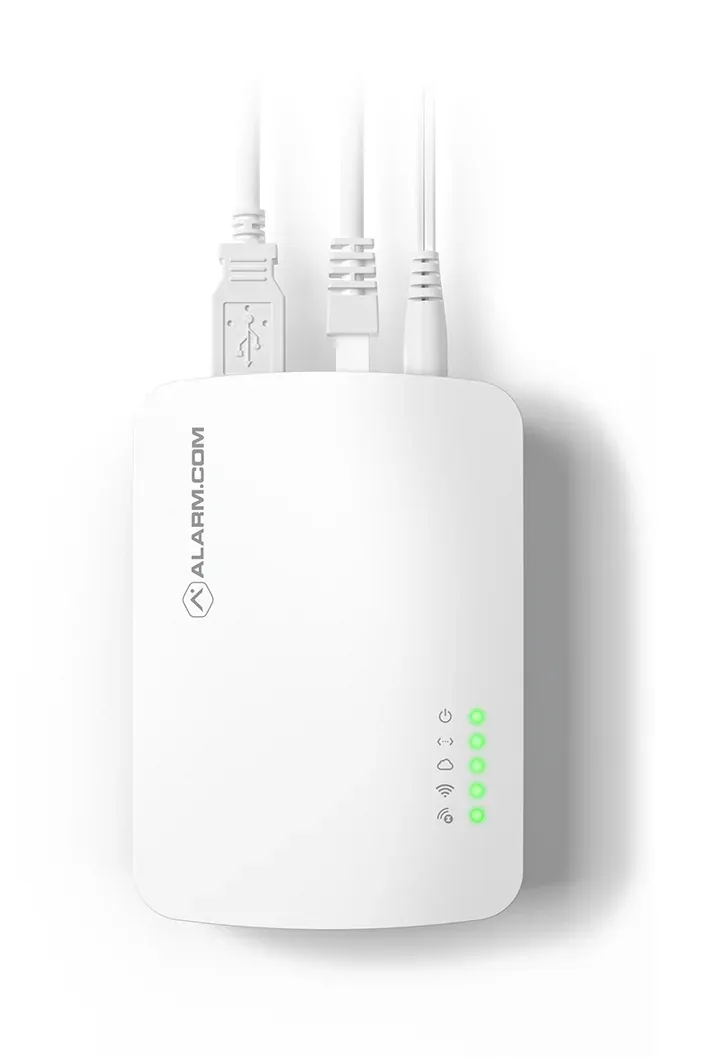
The Alarm.com ADC-SG130 Smart Gateway is a wireless WIFI Access Point (AP) for Alarm.com Security Cameras. The ADC-SG130 connects with a router through wired ethernet. Alarm.com Cameras then pair with the ADC-SG130 through WIFI. Buy the Alarm.com ADC-SG130 Smart Gateway from Alarm Grid.
- Professionally installed by Procam
- Integrated with Alarm.com monitoring
- Commercial & residential
Category: Video Cameras & Equipment
Description
The Alarm.com ADC-SG130 Smart Gateway is a wireless WIFI Access Point (AP) for Alarm.com Security Cameras. It is compatible with any Alarm.com Camera that uses WIFI connectivity. The ADC-SG130 connects with a router using an ethernet wire, and cameras pair with the unit across WIFI.
The advantage to using the Alarm.com ADC-SG130 is that you will not need to update the WIFI connection for your security cameras in the event that you change internet service providers or WIFI network credentials. This includes any network SSID, password, or ISP changes. The ADC-SG130 pairs with your unique Alarm.com account, and you can simply plug it into a new WIFI router if you replace your old one. The wireless connectivity between the ADC-SG130 and your cameras is extremely secure, so you can rest easy in knowing that your camera feeds are kept private and protected.
The first step to getting started with the Alarm.com ADC-SG130 Smart Gateway is to pair it with your Alarm.com account. Start by connecting the ADC-SG130 and your router using a wired ethernet cable. Then power on the ADC-SG130 using its included DC power adapter. The adapter can be plugged into any standard outlet, and the other end conveniently plugs into the ADC-SG130. You can then pair the device with your Alarm.com account using the Alarm.com Add Camera feature. You will need to provide the MAC address for the ADC-SG130 as part of this process. This is found on its back label.
As a WIFI Access Point, the Alarm.com ADC-SG130 Smart Gateway allows Alarm.com Cameras to pair using wireless 2.4 GHz WIFI signals. The ADC-SG130 supports WIFI Protected Setup (WPS) enrollment, which is both convenient and secure. Simply press and hold the WPS button on the ADC-SG130 for one to three seconds to have the WIFI LED light begin slowly flashing. Then perform the WPS enrollment process at the Alarm.com Camera you want to pair. Repeat the process for your remaining cameras, and you’re finished! WPS enrollment is advised due to its security and ease of use.
If you need to troubleshoot the ADC-SG130, then you should start by power cycling. Simply disconnect power from the unit by unplugging its adapter. Wait ten (10) full seconds, and then restore power. Performance should return once the unit has fully booted back up. You can also try performing a hard reset for the device. With the device powered on, use a paper clip or another thin tool to press the reset pin hole for twenty (20) seconds. All device LEDs will flash simultaneously to indicate that a reset has been performed. You will need to reconfigure the device after its LEDs have turned solid.
Specifications
Device Type: WIFI Access Point (AP)
Compatibility: Alarm.com WIFI Cameras
Power: 12VDC
Ethernet Connectivity: 10/100 Mbps (FAST) WAN Connection
WIFI Connectivity: 802.11 b/g/n, 2.4 GHz
Buttons (3): Function, WPS, Reset (Pinhole)
LED Lights (4): Power, Data, Communication, WIFI
Box Contents: ADC-SG130 Smart Gateway, 12VDC Power Adapter, Ethernet Cable, Quick Installation Guide
Operating Temperature: 32°F to 104°F
Operating Humidity: 0% to 80%, Non-Condensing
Indoor/Outdoor Use: Indoor Use Only
You may also like
Related Products
 ADC-VDB750 750 Video Doorbell
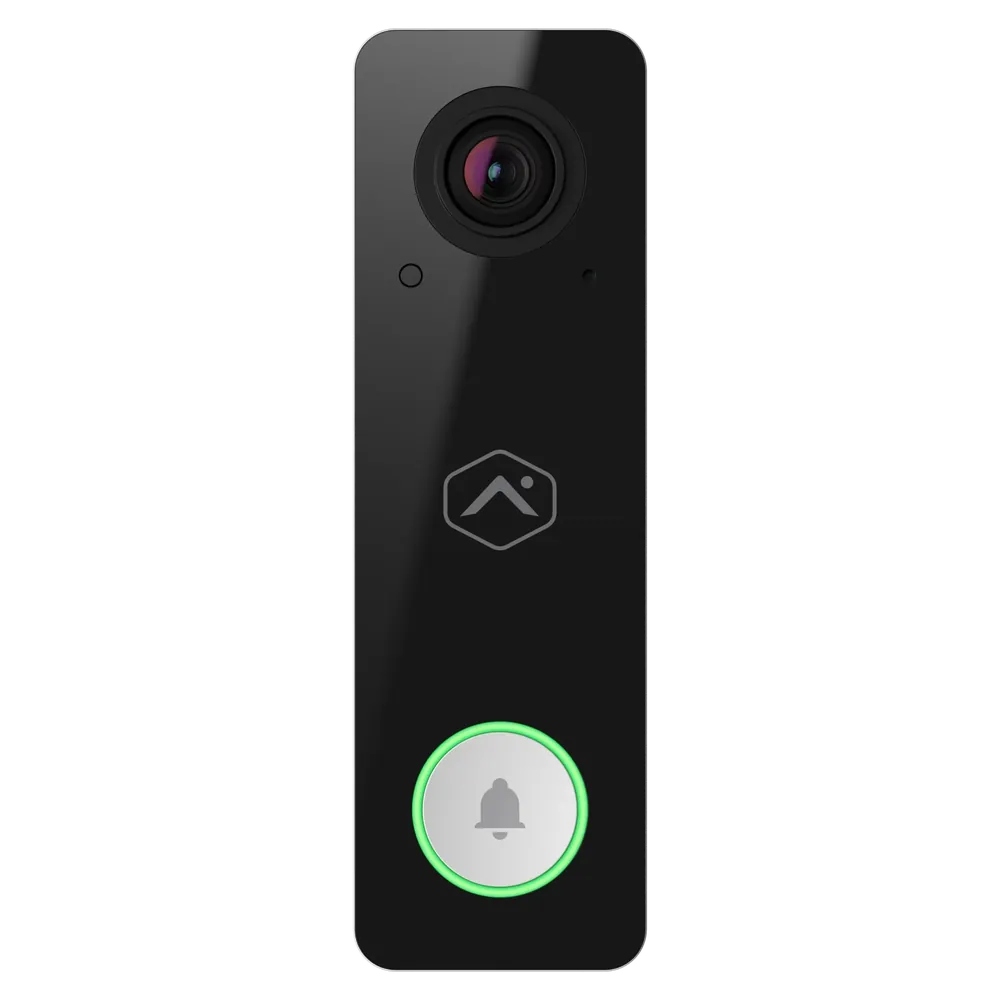
The Alarm.com ADC-VDB750 is a full HD quality wired video doorbell camera. It includes two-way audio, video analytics, improved temperature …
View details
 ADC-W115C Alarm.com Smart Chime
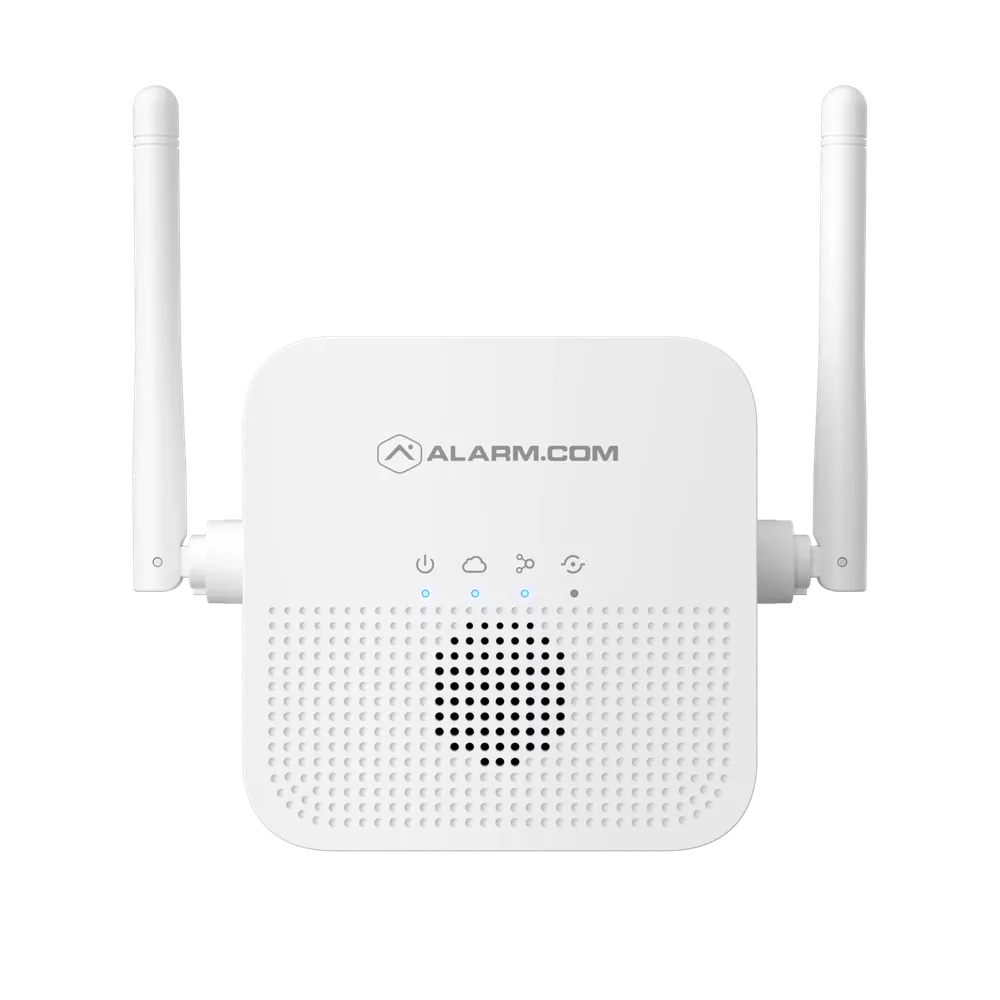
The Alarm.com ADC-W115C is a 2.4 GHz WIFI extender as well as a configurable chime for the Alarm.com wireless doorbell cameras. It requires …
View details
 ADC-VS123 HD Video Server
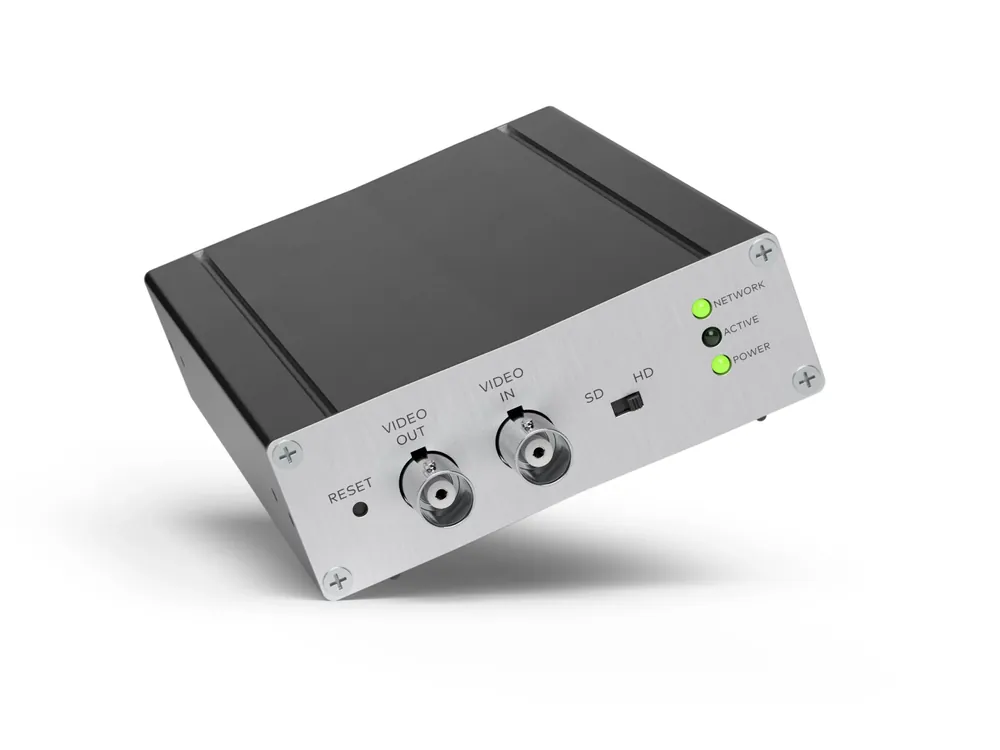
With support for HD video, the ADC-VS123/NV432-V2 makes it easy to add any analog camera to the Alarm.com ecosystem. Simply connect the VS12…
View details